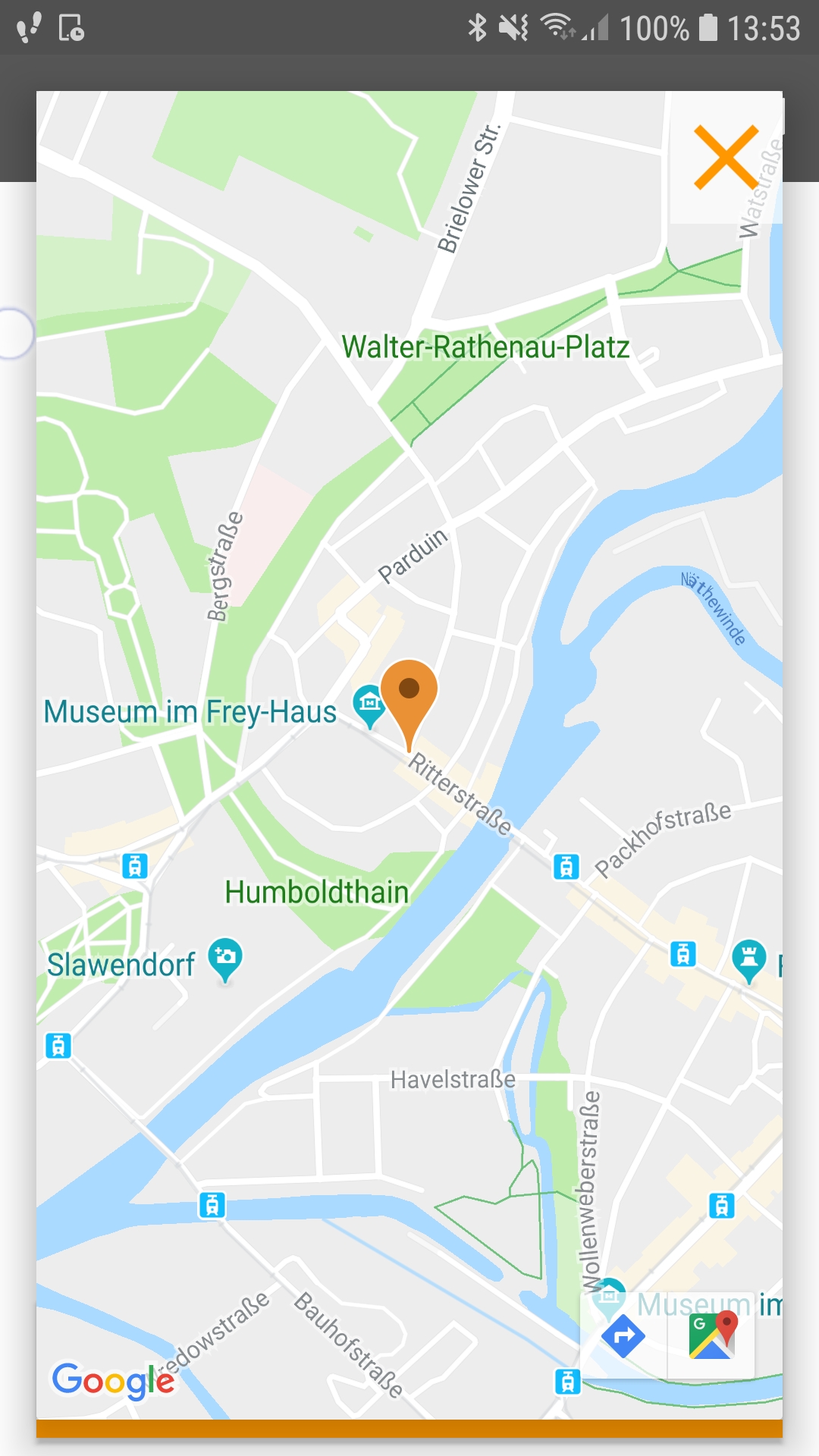
The I LOCK IT app saves the current location of your bike every time you lock it. Should you ever forget where your bike is, you can easily check this in the app and start navigating to your bike directly.
To do this, carry out the following steps:
- Open the I LOCK IT app
- Click on the card symbol in the upper right corner
- Click on the red position marker
- Select the navigation or the Google Maps symbol at the bottom right
You can now use Google Maps to guide you to your bike.